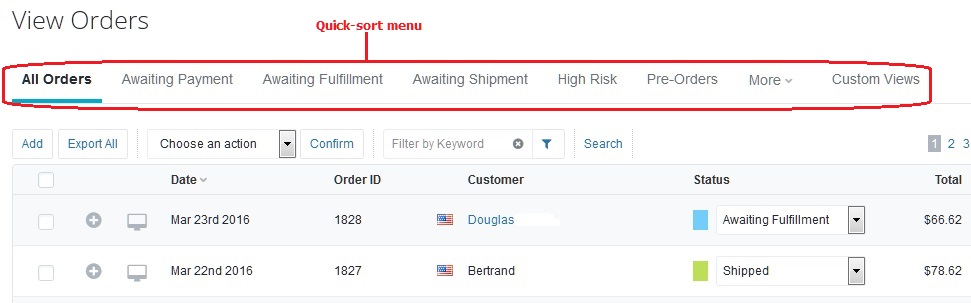
How do I login to my view my orders?
Step 1) Login to BigCommerce.
URL: https://login.bigcommerce.com/login/
Direct link to BigCommerce: Click Here
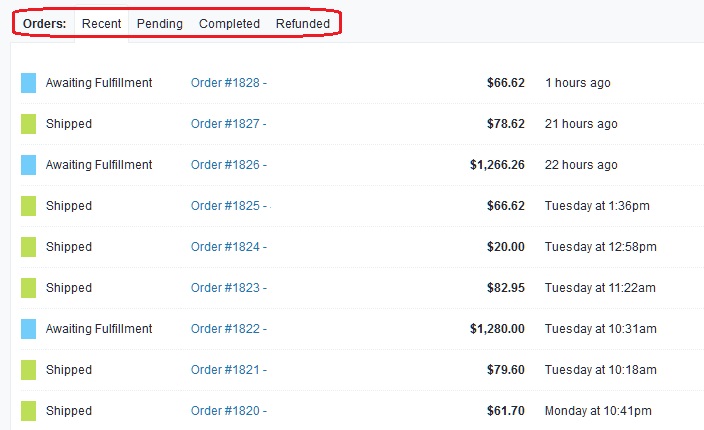
Step 2) Recent Orders are shown on the bottom-half of the Dashboard when you first login.
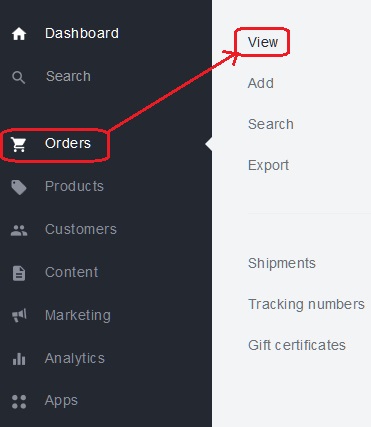
Step 3) To view your history from all orders, click 'Orders' on the left-side menu and then 'View' from the sub-menu.
You should see a list of all your orders now.
You can use the links at the top to quickly sort through your orders.